
The gateway does not wait
for you to reach a desk.
NOC2 gives an operator three surfaces onto the same live network: a phone console built for triage, the full console on tablet and desktop, and a wall-board for the operations room. One login, the same data, nothing to install.
Most faults arrive at the least convenient moment. What decides how bad they get is not the tooling in your office — it is what you can see and do from wherever you happen to be standing.
One system, three surfaces
These are not three products. They are three doors onto the same running system, and which one you use is a matter of what is in your hand at the time.
Built for triage
Opens on alerts, because that is why you reached for your phone. Bottom tabs for alerts, gateways and subscribers — nothing else competing for the screen.
The whole console
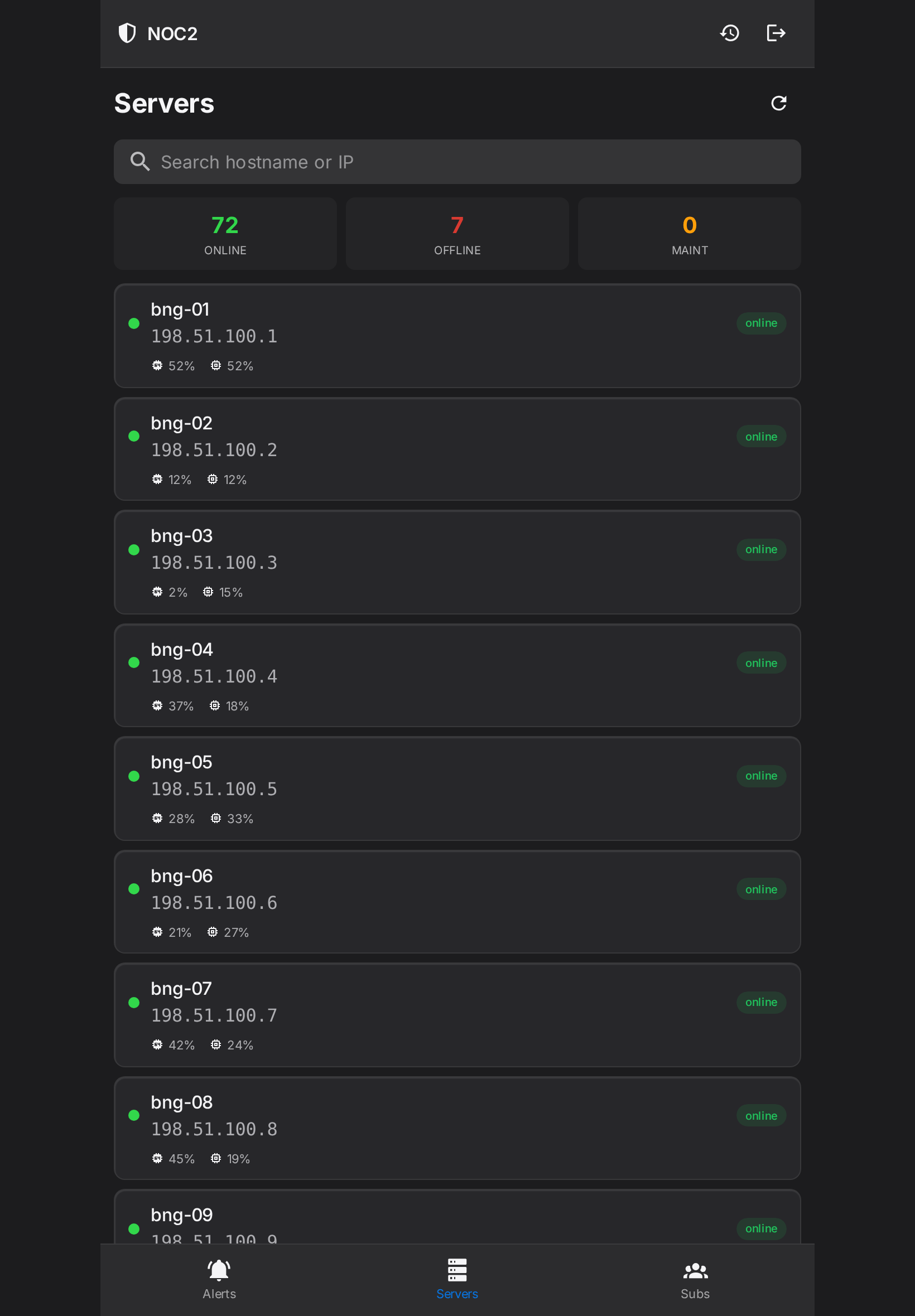
Everything: per-gateway metrics, sessions, configuration, capacity, subscriber history. The same pages, laid out for the room you have.
For the room
A full-screen view with no sidebar and no chrome. Pin a browser to it on a television and the operations room has a shared picture.
What the phone actually gives you
The phone view is not the desktop console squeezed into a narrow column. It is a separate, purpose-built surface, and it holds the three things you need when you are not at a desk.
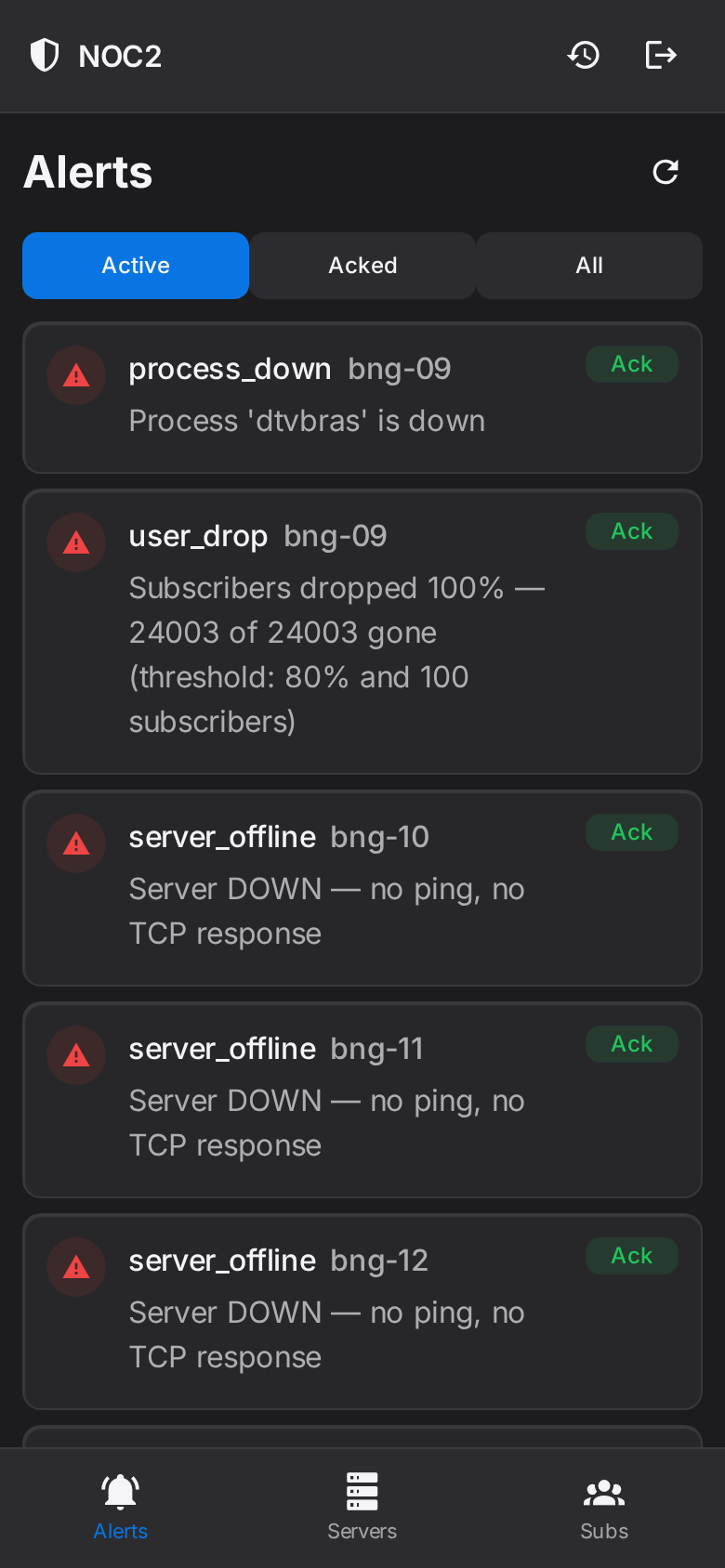
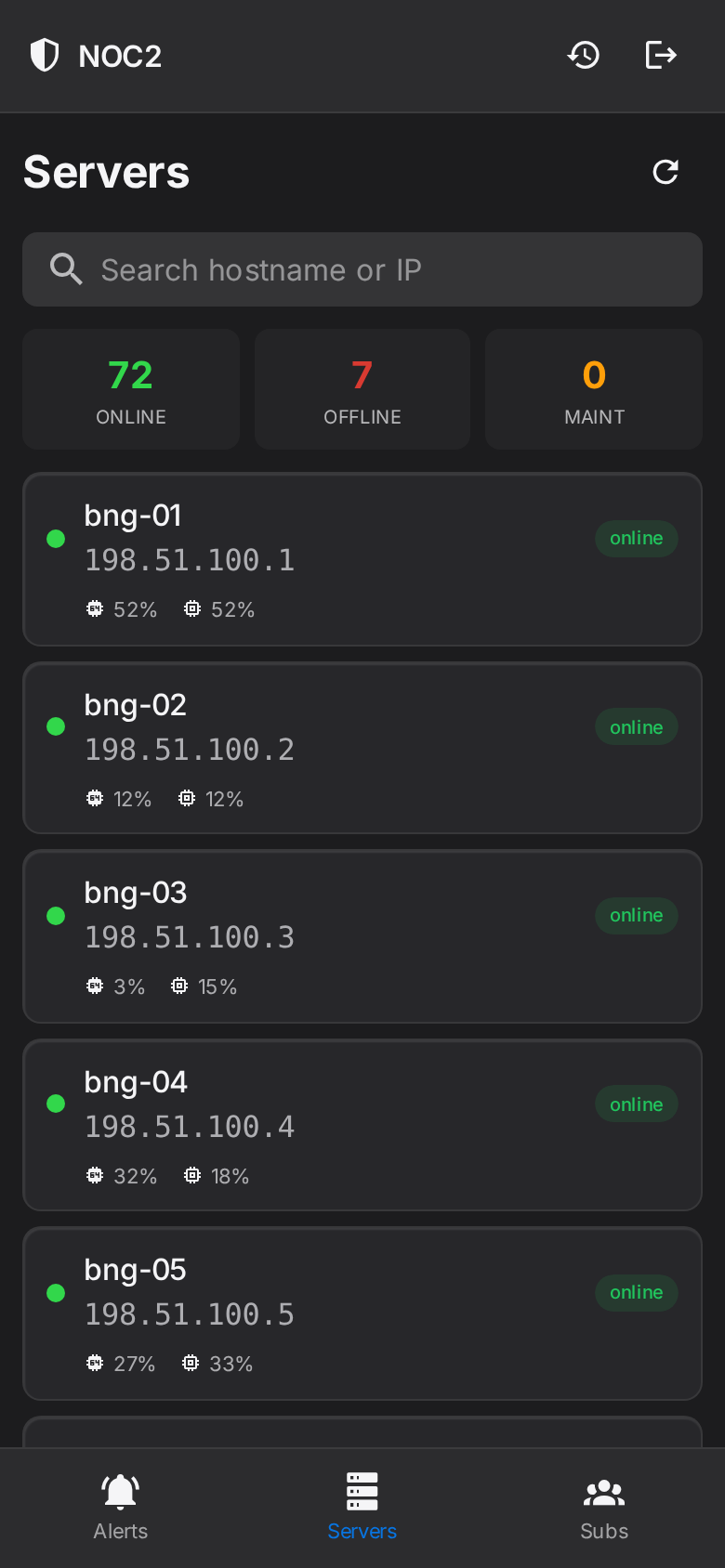
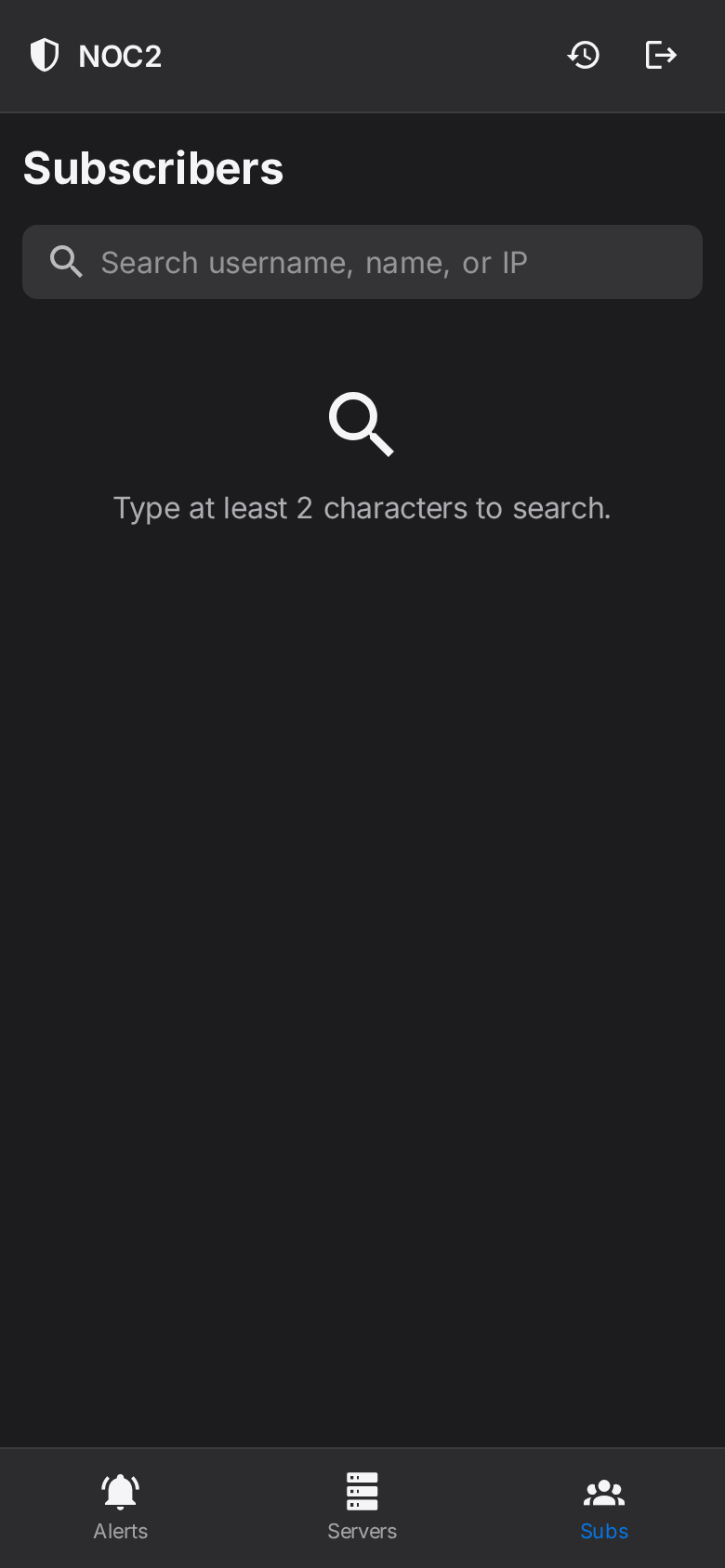
Acknowledge from the card. You do not need to get to a laptop to stop a page from repeating and let the rest of the team know it is being handled. One tap, on the alert itself.
How an alert reaches you
NOC2 watches thirteen distinct conditions across your estate, and each one carries its own threshold, its own occurrence count before it fires, and its own list of who to tell:
Note what is in that list beyond the usual. user_drop catches subscribers leaving a gateway that is otherwise perfectly healthy. pppoe_completion catches sessions that start and never finish. accounting_loss catches a gateway that is forwarding traffic while its records quietly stop. None of those show up as down, and all of them are somebody’s Monday morning.
Monitoring that pages you
A message that says a threshold was crossed, and leaves you to find out what and where.
Requires a laptop, a VPN and a terminal before you can form an opinion.
Silence means either nothing is wrong or nothing is watching. You cannot tell which.
NOC2
The alert names the gateway and the cause, with the numbers that triggered it.
Opens in the browser you already have, on the device already in your hand.
The console states how much it could actually read, so an unread gateway is never mistaken for a healthy one.
On a tablet, and on the wall
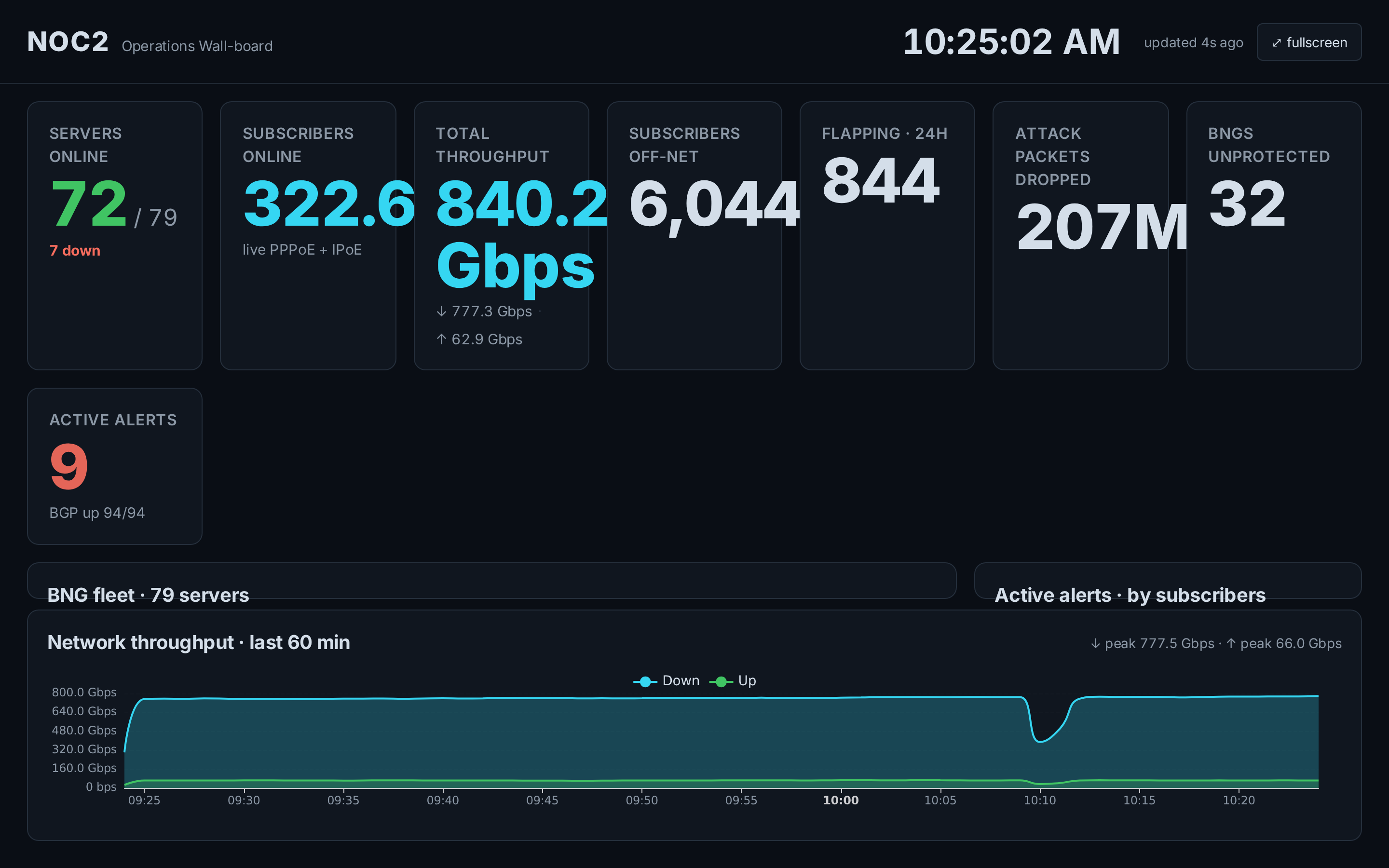
What this does not do
It does not push notifications to the phone. Alerts are delivered by email, and the phone console is where you go to act on them. We would rather say that plainly than imply a notification you would not receive.
Acknowledging silences an alert. That is deliberate — it stops a known fault from paging the team repeatedly — but it means acknowledgement is a decision, not a way to clear a list. The console keeps acknowledged alerts on their own tab rather than hiding them.
It is a browser, not an installed app. On iOS and Android you can add it to the home screen and it opens like an app, full-screen with its own icon. There is nothing to approve in an app store, and nothing to update on a handset.
The test is simple. A gateway stops answering while you are on a train. Can you find out which one, learn why, tell the team you have it, and know how many subscribers are affected — before you get off? That is the whole design brief.
About the screenshots. Every screen shown is a real production console, captured at true phone, tablet and display sizes. Gateway hostnames are replaced with placeholders and every IP address is replaced with an address from the RFC 5737 documentation range before the image is taken; no operator name, site, region or subscriber identifier appears in any image.